Tuesday, September 29, 2015

Halloween Card Series Coming

Hello Everyone! I wanted to share a glimpse of the new card I am working on to start my first Halloween Card series. It is a box card and I will be giving away this Halloween card kit which includes all the die cuts. In my series I will be featuring one box card and standard A2 size cards. So, stay tuned.

Oh and remember I will be announcing the winner of the Sunflower box card kit October 4, 2015. Click here for details. 

Have a crafty day! Kim

SNEEK PEEK


Sunday, September 20, 2015

Giveaway and Finally my first tutorial ~ Sunflower Box Card

Hey Everyone,

This post has been a long time coming. I created my Sunflower box card back in July and my goal was to create a video tutorial for this particular card since then. I had purchased Pinnacle Studio 18 video editing software shortly after and have worked here and there to learn how to use this program. It was overwhelming at first but I love it to say the least. The video is a 2 part series and is a little long but I didn't want to miss any details. I would appreciate your feedback on the my tutorial. I would love for you to become a subscriber to my YouTube channel 'The Electric Poppy Creates' https://www.youtube.com/channel/UCngF9lrEBPNbcedErvNxuiQ

Giveaway...we all love a giveaway! I will pick one winner (must be a subscriber) in the next 2 weeks - you will be receiving a Sunflower Box Card Kit. All the paper elements to make this card is included. Winner will be announced 10/4/15. This contest is limited to the U.S. only...sorry. Leave a comment that are a subscriber with your e-mail address or you can e-mail me at kimberspaperdesign@hotmail.com

Happy Crafting, Kim

Cricut Design Space file (it is big so give it time to load):
https://us.cricut.com/design/#/canvas/29410507

YouTube: Sunflower Box Card Part 1:
https://www.youtube.com/watch?v=Me6QdNnp3wM

YouTube: Sunflower Box Card Part 2:
https://youtu.be/G6IBRVXSfZ0

Tuesday, August 11, 2015

Craft Organization: Ink Pads

Hello Crafters,

I came across a wonderful idea and tutorial on how to organize ones ink pads. It is a label created by Kristina Werner of KWerner Design. And what is awesome is that she shares the labels in PDF form for free. Here is the link http://www.kwernerdesign.com/blog/?p=14584 and I strongly encourage you to watch her tutorial.

I have a lot of the Tim Holtz Distress Ink Pads and used 'Blank Ink Labels - Short' and they fit perfectly. Here is a quick shot of what I have started.


Also, I am currently working on putting together the video tutorial for the Sunflower Box Card. I have not forgotten but it is taking me longer than I had expected. I am new to video editing but I will get faster.

Happy Crafting my Friend!

Tuesday, August 4, 2015

Sunflower Box Card

Hi Crafters! Here is my Summer project I created for the Aldina Rose group on Facebook. Since it is now August, I thought of late Summer for inspiration. And naturally sunflowers came to mind; they are my favorite. I also gave this to my mother as her birthday card.

Please, become a follower and e-mail to this subscriber to my blog. Why...I will be sharing directions and the Cricut Design Space file I used to create this box card this upcoming weekend.

The base I created from objects in the Craft Room cartridge. All items are free or in the subscription in Cricut Design Space. Please tell me what you think. I really appreciate your comments. All pictures belong to The Electric Poppy and Kimberly Sisco. You may share but please give credit.


Tuesday, July 7, 2015

Cricut Design Space: Patriotic Flag

Hello Crafters,

I wanted to share a flag that I created in Cricut Design Space. I created this flag for the Aldina Rose Designs Facebook Inspiration Team click HERE to see all the incredible projects. I share the cut file at the end of this post. All design elements in this project are included in the Cricut Design Space subscription.


Wednesday, June 10, 2015

For Cricut Design Space Users - Helpful Resource

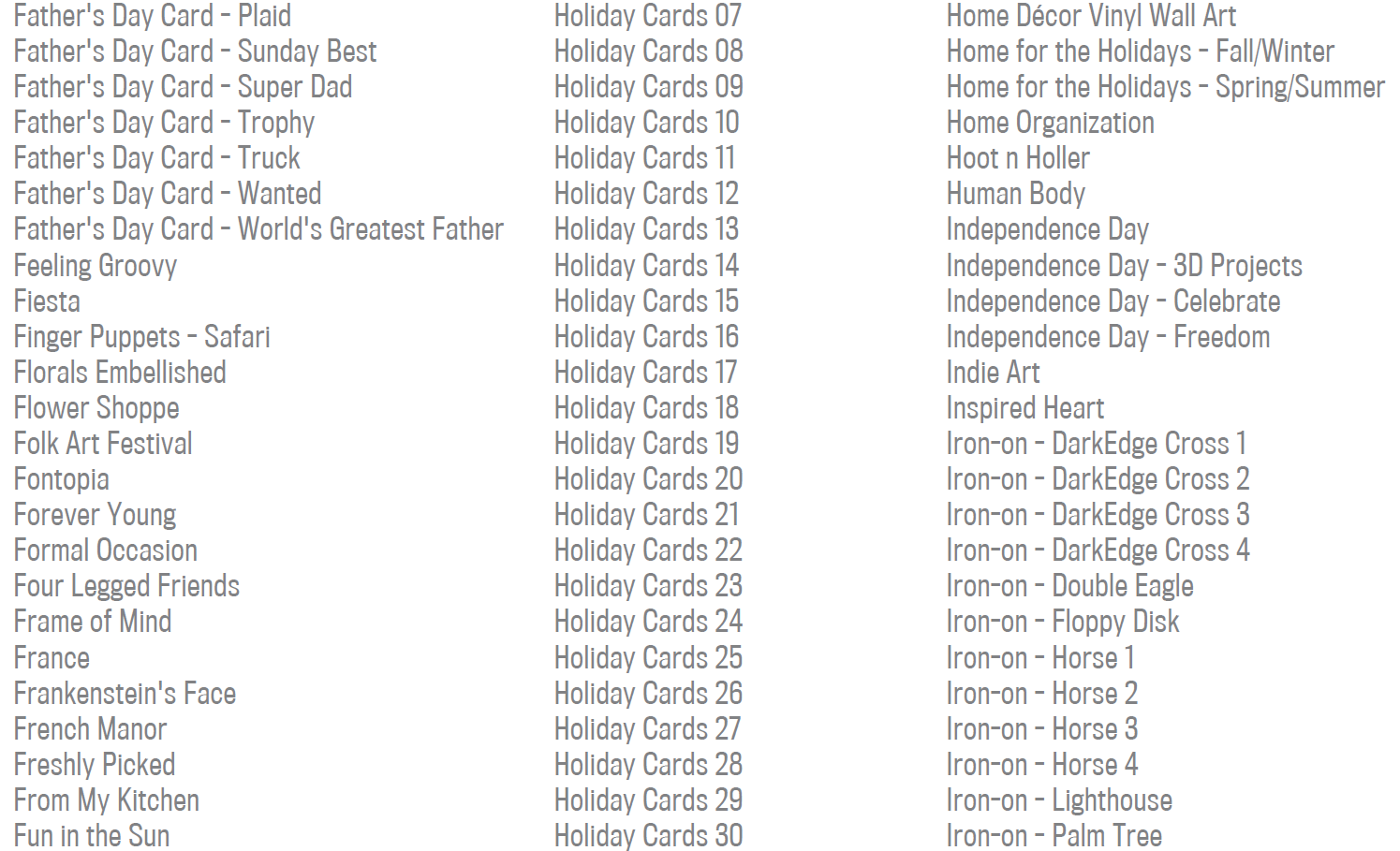
I love the Cricut Design Space subscription but if you are like me knowing what is available can be challenging and overwhelming. I am sure most of you know that Cricut offers a library list of their subscription cartridges and images; this is in PDF format. I am sharing it here today as a helpful resource only. It is free on the Cricut website and you can click HERE to be taken to the Cricut website. I have saved this helpful resource to my computer and tablet for handy reference. Here are some pics of what is included in the PDF. I hope you find this useful. Happy Crafting!


Tuesday, June 9, 2015

Hot Air Balloon Redo

Hello Crafters! Have you ever made a project and were just not completely happy with it? Happens to me all the time. My last card was a perfect example. I was not happy with the background, the clouds, etc... It was not as I had imagined. So, I made a new card and I am much happier with the results. I added some extra clouds to create balance and heat embossing. Again, I used my Cricut Explore and Cricut Design Space to create this card. I share my Cricut Design Space link at the end of this post.

AFTER